
Introduction
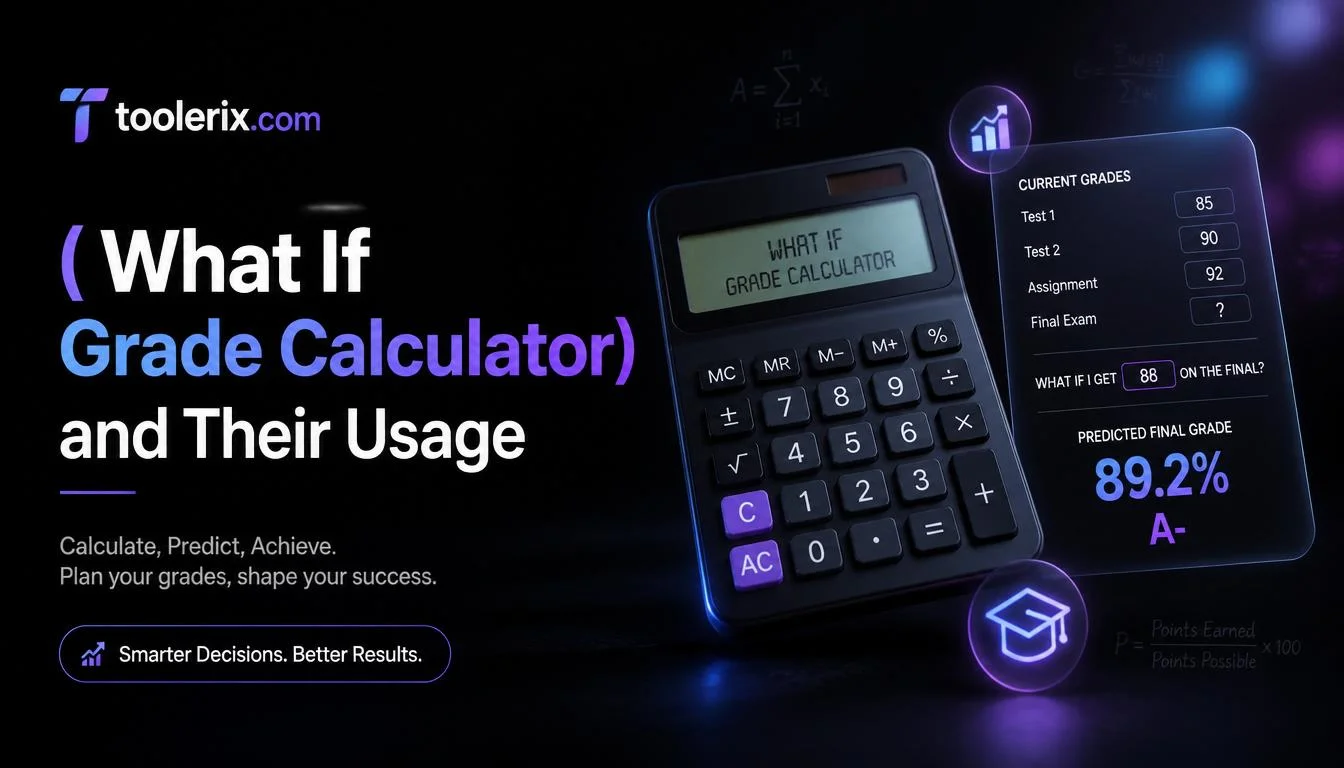
A what if grade calculator is a helpful tool that allows students to estimate future grades before assignments, quizzes, projects, or final exams are completed. Instead of guessing whether you’ll pass a class or reach your target GPA, this calculator gives you a clear picture based on your current performance and expected scores.
Many students use a what if grade calculator to answer questions like, “What grade do I need on my final exam?” or “What happens if I score 90% on my next assignment?” By entering a few simple details, you can instantly see different grade scenarios and make better decisions about studying, improving weak areas, and setting realistic academic goals.
What Is a What If Grade Calculator?
A what if grade calculator is an online academic planning tool that helps students predict possible course grades under different scoring situations.
Instead of waiting until the end of the semester to know your final grade, you can test multiple possibilities and see how future assignments may affect your overall result.
For example, a student may ask:
- What if I get an A on my final exam?
- What if I score only 70% on my project?
- What grade do I need to maintain an A average?
- Can I still pass the course if I perform poorly on one assignment?
The calculator instantly provides answers based on your current grades, assignment weights, and desired targets.
How It Works
The calculator typically uses weighted averages to estimate your final grade.
It considers factors such as:
- Current course grade
- Percentage completed
- Remaining assignments
- Final exam weight
- Expected future scores
- Desired overall grade
The results help students understand where they stand academically and what steps they need to take to reach their goals.
Why Students Use It
Students often feel stressed about grades, especially near the end of a semester. A what if grade calculator removes uncertainty by showing realistic outcomes.
It transforms questions like:
“Can I still get an A?”
into clear numerical answers.
This allows students to focus their energy on the assignments that matter most.
How to Use This Tool
Using a what if grade calculator is very easy, even for students who are not comfortable with math.
Step 1: Enter Your Current Grade
Start by entering your current course average.
Example:
Current grade = 85%
Step 2: Add Completed Assignments
Include the grades you have already received.
Examples:
- Quiz 1 = 90%
- Midterm = 82%
- Homework = 95%
If your calculator allows weighted categories, enter the percentage value assigned to each component.
Step 3: Input Remaining Assignments
Add information about future coursework.
Examples:
- Final exam
- Research project
- Presentation
- Upcoming quizzes
Step 4: Test Different Scores
Now comes the most useful part.
Try entering different scores to see various outcomes.
Examples:
- 70%
- 80%
- 90%
- 100%
The calculator updates your projected course grade immediately.
Step 5: Compare Results
Review each scenario and determine which goals are achievable.
You might discover:
- You only need 75% to earn a B.
- You need 92% on the final exam for an A.
- Missing an assignment could lower your grade significantly.
Step 6: Create a Study Plan
Use the information to prioritize your efforts.
Focus more time on subjects where small improvements could have the biggest impact.
Example
Let’s look at a real-life example.
Sarah is taking a biology course.
Her grades so far are:
Homework Average: 90%
Quizzes: 85%
Midterm Exam: 80%
The course breakdown is:
Homework = 20%
Quizzes = 30%
Midterm = 20%
Final Exam = 30%
Sarah wants an overall grade of 90%.
Scenario One
She predicts earning 95% on the final exam.
Projected final grade:
Approximately 88.5%
She still falls short of her goal.
Scenario Two
She predicts earning 100%.
Projected grade:
Approximately 90%
Now she reaches her target.
Scenario Three
She expects only 80%.
Projected grade:
Around 84%
This shows Sarah exactly what score she needs and motivates her to prepare more effectively.
Why This Matters
Without a what if grade calculator, Sarah might spend time worrying or making rough guesses.
Instead, she has clear information that helps her study smarter.
Benefits of Using This Tool
A what if grade calculator offers many advantages for students at all academic levels.
Reduces Stress
Knowing where you stand academically can lower anxiety.
Instead of wondering about possible outcomes, you get accurate estimates instantly.
Helps Set Realistic Goals
Students can identify grades that are achievable.
This prevents setting goals that may be impossible within the remaining coursework.
Improves Study Planning
Students know which assignments deserve the most attention.
A heavily weighted final exam may deserve extra preparation.
Encourages Better Time Management
When students understand their grade requirements, they can organize study schedules more efficiently.
Supports Academic Success
Small improvements become easier to identify.
Students may realize that increasing one assignment score by a few points can significantly improve their final grade.
Saves Time
Manual grade calculations can be confusing.
The calculator produces instant results.
Easy for Everyone
No advanced mathematics knowledge is needed.
Simply enter numbers and review the outcomes.
Who Can Use This Tool?
A what if grade calculator is useful for many people.
High School Students
Students preparing for semester exams can estimate final report card grades.
College Students
University students often deal with weighted grading systems.
This calculator simplifies complex calculations.
Graduate Students
Students in master’s or doctoral programs can monitor academic progress.
Online Learners
People enrolled in online courses can predict outcomes for assignments and final assessments.
Parents
Parents helping children stay on track academically can use the calculator to understand grade expectations.
Teachers
Teachers may demonstrate grade scenarios during classroom discussions.
Academic Advisors
Counselors can guide students toward realistic academic goals.
Tips for Getting Accurate Results
Although a what if grade calculator is simple to use, following these suggestions can improve accuracy.
Use Correct Assignment Weights
Always check your syllabus.
Course categories may have different values.
Update Grades Regularly
Enter new grades as soon as they become available.
This keeps projections current.
Test Multiple Possibilities
Do not rely on one prediction.
Compare several scenarios.
Examples:
- Best-case scenario
- Average scenario
- Worst-case scenario
Consider Extra Credit
If your instructor offers bonus points, include them if the calculator supports this feature.
Verify Course Policies
Some instructors drop the lowest quiz score or curve grades.
Take these adjustments into account.
Common Situations Where Students Use a What If Grade Calculator
Students use this tool throughout the school year.
Examples include:
Before Final Exams
Students determine the exact score needed to reach their target grade.
After Receiving Midterm Results
Poor midterm performance often raises concerns.
The calculator shows whether recovery is possible.
Choosing Study Priorities
Students taking multiple courses can decide where additional effort matters most.
Applying for Scholarships
Maintaining minimum GPA requirements becomes easier when students know their projected grades.
Preparing for Graduation
Seniors can estimate whether they meet academic standards.
FAQ Section
Is a what if grade calculator accurate?
Yes. It is accurate as long as you enter correct grades, assignment weights, and expected scores.
Can I use it for college classes?
Absolutely. Many college courses use weighted grading systems, making this calculator especially useful.
Does the calculator guarantee my final grade?
No. It only predicts possible outcomes based on the information you provide.
Can I test multiple grade scenarios?
Yes. Most calculators allow unlimited adjustments so you can compare several possibilities before making study decisions.
Conclusion
A what if grade calculator is one of the most practical tools students can use to stay informed about their academic progress. Instead of guessing what score you need on an upcoming assignment or final exam, the calculator provides clear answers in seconds.
Whether you’re trying to earn an A, maintain a scholarship, improve your GPA, or simply understand your standing in a course, this tool helps you make smarter decisions and reduce unnecessary stress. By testing different scenarios and planning ahead, students can focus their energy where it matters most and work toward their academic goals with greater confidence.
Try It Yourself
Want to calculate this instantly?
Try our free [GPA + CGPA Calculator] now!
Want to calculate this instantly?
Try our free [Percentage Calculator] now!
DISCOVER MORE ARTICLES
What Is 100? Definition, Examples, and Benefits 2026
What Is 30 Minutes From 12:45? Easy Time Guide 2026
What Is a GPA? Complete Beginner’s Guide 2026

Shahzad is the Founder & CEO of Toolerix, a modern online platform built to make everyday tools, calculators, converters, and utilities simple, fast, and accessible.
With a focus on practical digital solutions and user-friendly experiences, Shahzad is building Toolerix to help people get accurate results without unnecessary complexity.
Founder & CEO — Toolerix
Smart Tools. Faster Results.