
Introduction
Keeping track of grades can sometimes feel overwhelming, especially when different assignments, quizzes, exams, and projects contribute different percentages toward a final course grade. Many students know their individual scores but struggle to determine how much each category affects their overall performance. This is where a weighted grade calculator becomes extremely useful.
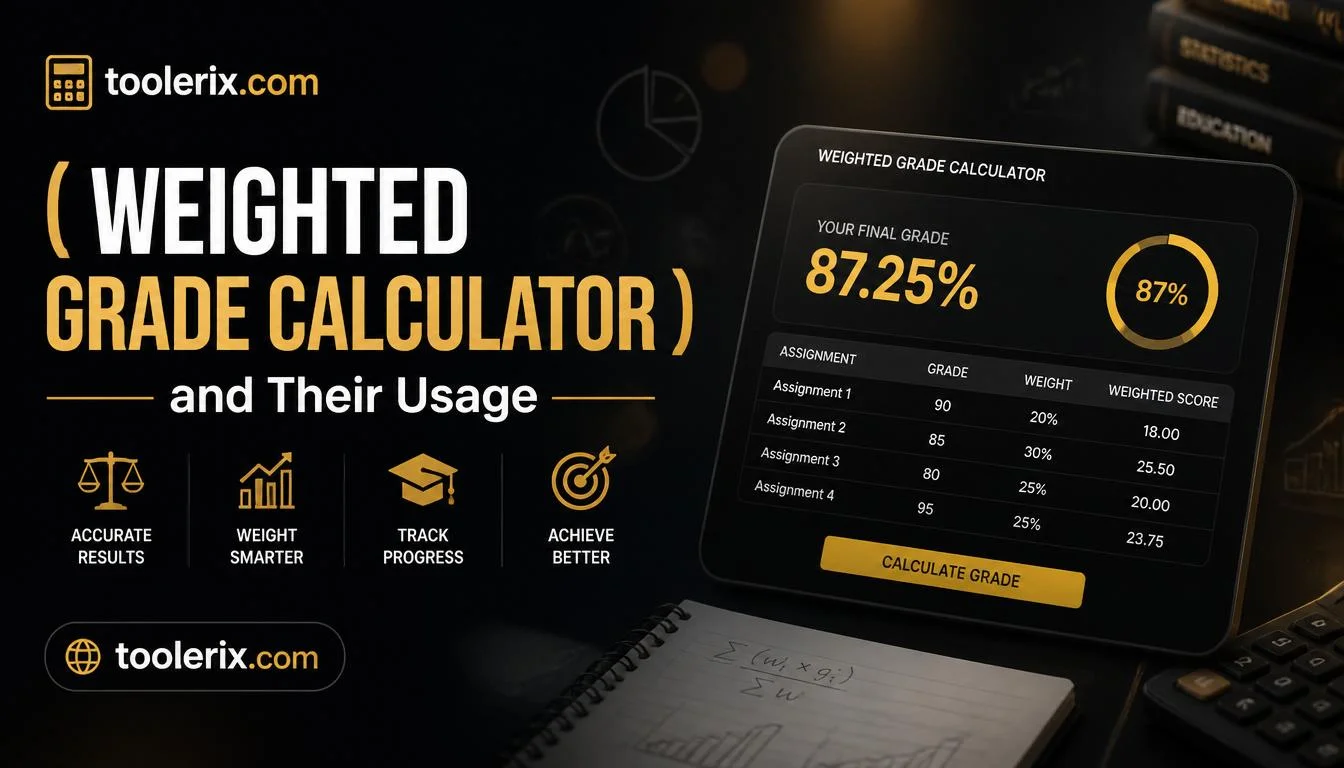
A weighted grade calculator is a simple online tool that helps students calculate their current or expected course grade based on weighted categories. Instead of doing complicated calculations by hand, the tool quickly provides accurate results in seconds. Whether you’re preparing for final exams, planning study goals, or monitoring academic progress throughout the semester, using a weighted grade calculator makes understanding your grades easier and helps you stay on track.
What Is This Tool?
A weighted grade calculator is an online tool designed to calculate your overall grade when assignments and exams have different levels of importance.
Unlike a simple average calculator, this tool considers the percentage weight assigned to each category.
For example, a course may have the following grading structure:
- Homework – 20%
- Quizzes – 15%
- Midterm Exam – 25%
- Final Exam – 40%
In this grading system, the final exam has a much larger impact on your overall grade than homework assignments.
A weighted grade calculator automatically multiplies each score by its assigned weight and adds the results together to determine your overall course grade.
Why Weighted Grades Matter
Many schools, colleges, and universities use weighted grading systems because they better reflect a student’s overall performance.
For example:
A student who scores perfectly on homework but performs poorly on exams may still receive a lower final grade because exams carry more weight.
Similarly, a strong final exam score can significantly improve an overall grade.
Understanding weighted grades helps students:
- Set realistic academic goals
- Identify weak areas
- Prioritize study time
- Predict final grades
- Reduce stress before exams
How to Use This Tool
Using a weighted grade calculator is straightforward and requires only a few pieces of information.
Step 1: Gather Your Grades
Collect your scores from completed coursework.
Examples include:
- Homework grades
- Quiz scores
- Project marks
- Midterm results
- Participation grades
- Final exam estimates
Example:
Homework: 92%
Quizzes: 85%
Midterm: 88%
Final Exam: Not taken yet
Step 2: Find Category Weights
Check your course syllabus to see how much each category contributes to your final grade.
For example:
Homework = 20%
Quizzes = 15%
Midterm = 25%
Final Exam = 40%
Make sure all percentages add up to 100%.
Step 3: Enter Grades into the Calculator
Type each grade into the appropriate field.
Then enter its corresponding weight.
Example:
| Category | Score | Weight |
|---|---|---|
| Homework | 92% | 20% |
| Quizzes | 85% | 15% |
| Midterm | 88% | 25% |
| Final Exam | 90% | 40% |
Step 4: Click Calculate
Press the calculate button.
The tool instantly performs the weighted calculations.
Step 5: Review Your Results
The calculator displays your overall grade.
It may also show:
- Percentage score
- Letter grade
- GPA equivalent
- Required final exam score
Tips for Better Accuracy
Double-Check Percentages
Ensure the total weight equals 100%.
Use Current Grades
Entering updated scores gives more reliable results.
Estimate Missing Assignments Carefully
If you haven’t completed a final exam, use a realistic estimate.
Example
Let’s look at a practical example.
Sarah’s Biology Course
Sarah is taking a biology class with the following grading system:
Homework = 25%
Quizzes = 15%
Midterm = 30%
Final Exam = 30%
Her current grades are:
Homework = 95%
Quizzes = 82%
Midterm = 87%
Expected Final Exam Score = 90%
Step-by-Step Calculation
Homework:
95 × 0.25 = 23.75
Quizzes:
82 × 0.15 = 12.30
Midterm:
87 × 0.30 = 26.10
Final Exam:
90 × 0.30 = 27.00
Total:
23.75 + 12.30 + 26.10 + 27.00
Final Weighted Grade:
89.15%
Sarah can expect approximately an 89% final course grade if she scores 90% on the final exam.
Another Example
James has these grades:
Assignments = 88%
Projects = 91%
Midterm = 79%
Final Exam = 85%
Weights:
Assignments = 30%
Projects = 20%
Midterm = 20%
Final Exam = 30%
Weighted result:
(88 × .30) + (91 × .20) + (79 × .20) + (85 × .30)
Overall grade:
85.4%
These examples demonstrate how weighted calculations work in real situations.
Benefits of Using This Tool
A weighted grade calculator offers several advantages for students and educators.
Saves Time
Manual calculations can take several minutes.
The calculator produces results instantly.
Reduces Errors
Math mistakes can happen easily.
Automation ensures better accuracy.
Helps With Goal Setting
Students can determine the grades needed to achieve their target score.
Tracks Academic Progress
Monitoring grades throughout the semester becomes easier.
Decreases Stress
Knowing your current standing reduces uncertainty before exams.
Supports Better Study Habits
Students can focus on assignments with higher weights.
Useful for Planning
Helps students decide how much effort to dedicate to upcoming assessments.
Works Anytime
Online calculators are available 24/7 from any device.
Who Can Use This Tool?
A weighted grade calculator is beneficial for many users.
High School Students
Many high schools use weighted grading systems.
Students can monitor semester performance.
College Students
University courses often include multiple grading categories.
The calculator helps predict final grades.
Graduate Students
Graduate programs frequently have strict academic requirements.
Students can stay aware of their standing.
Parents
Parents can help children understand academic progress.
Teachers
Educators can verify calculations before posting grades.
Tutors
Tutors can identify areas where students need improvement.
Homeschool Families
Parents managing homeschool programs can easily calculate final grades.
Scholarship Applicants
Students pursuing scholarships often need to maintain minimum grade requirements.
A weighted grade calculator helps track eligibility.
Frequently Asked Questions
Is a weighted grade calculator accurate?
Yes.
The calculator provides highly accurate results when you enter the correct grades and category percentages.
What’s the difference between a weighted grade and a simple average?
A simple average treats every assignment equally.
A weighted grade gives more importance to certain categories, such as final exams or projects.
Can I calculate my required final exam score?
Yes.
Many weighted grade calculators allow students to determine what score they need on a final exam to reach a desired course grade.
What happens if my category percentages don’t total 100%?
The calculation may be inaccurate.
Always ensure all category weights add up to exactly 100%.
Conclusion
A weighted grade calculator is a practical and reliable tool for students who want to understand their academic performance without dealing with complex math. By accounting for different assignment weights, the calculator provides a clearer picture of your current standing and helps you plan for future assessments.
Whether you’re trying to maintain a scholarship, improve your GPA, prepare for finals, or simply stay organized during the semester, this tool can save time, reduce stress, and support better academic decisions. Using a weighted grade calculator regularly is a smart habit that helps students stay informed, motivated, and confident about their educational progress.
Try It Yourself
Want to calculate this instantly?
Try our free [Calorie Calculator] now!
DISCOVER MORE ARTICLES
What Age Am I? Find Your Exact Age Instantly 2026
What Do I Need on My Final to Pass? Easy Guide 2026
What Do I Need to Get on My Final? Easy Guide 2026

Shahzad is the Founder & CEO of Toolerix, a modern online platform built to make everyday tools, calculators, converters, and utilities simple, fast, and accessible.
With a focus on practical digital solutions and user-friendly experiences, Shahzad is building Toolerix to help people get accurate results without unnecessary complexity.
Founder & CEO — Toolerix
Smart Tools. Faster Results.